Smart Touch Switch
Model: WS-AI-LCP
Single-Wire Intelligent Upgrade Solution
The WS-AI-LCP Smart Touch Switch features an innovative single-wire installation technology, allowing you to upgrade traditional switches to a smart lighting system without re-wiring. This breakthrough design is particularly suitable for the electrical renovation needs of existing buildings in Taiwan, significantly reducing construction complexity and cost.
The product integrates smart functions such as night light mode, delayed off, and exhaust fan linkage, operated through an elegant touch glass panel, providing an aesthetic and practical lighting control solution for residential and commercial spaces. Whether for new home decoration or old house renovation, the WS-AI-LCP can be quickly installed, immediately enhancing the intelligence of the space.
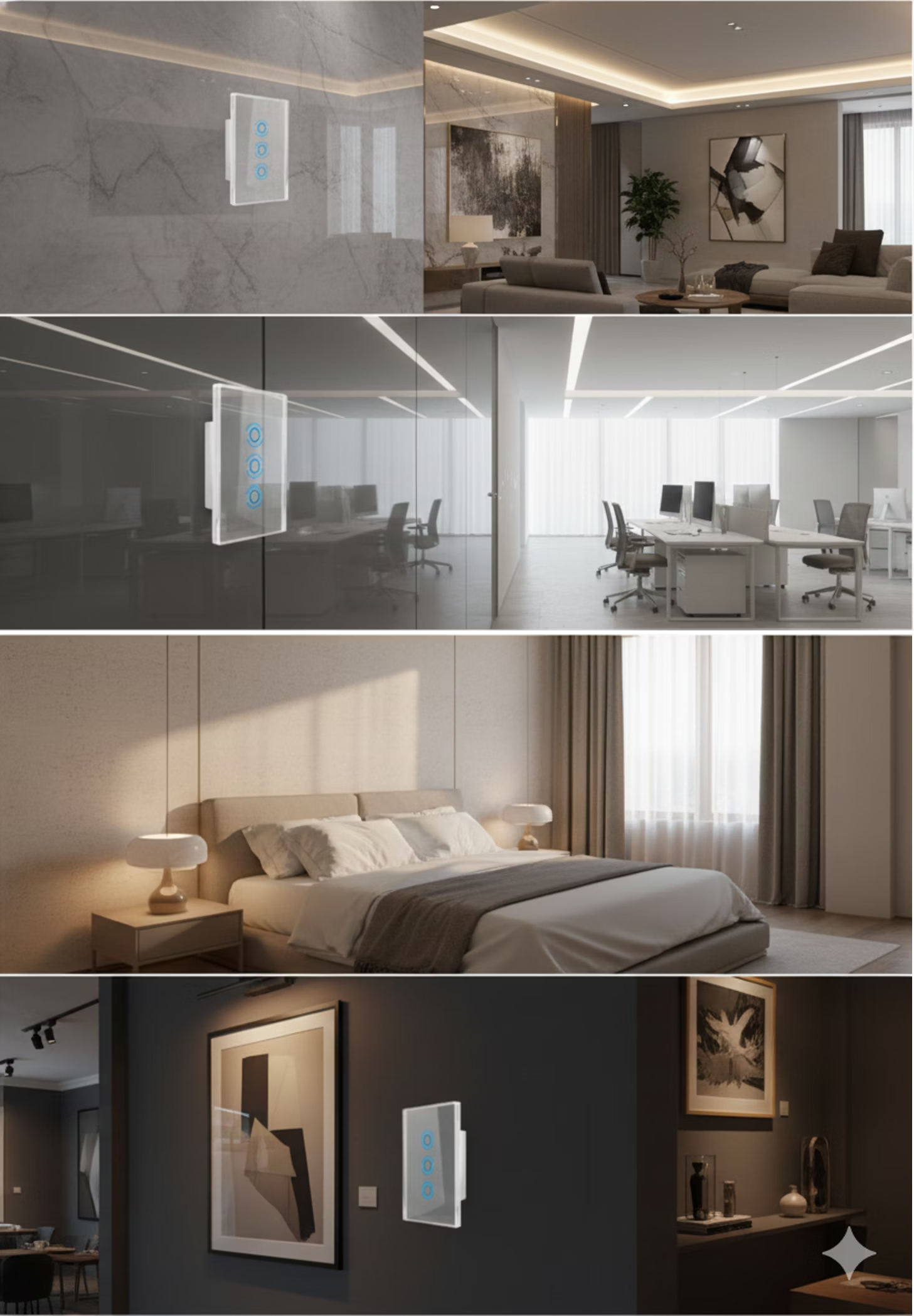
Applicable to various scenarios such as living rooms, bedrooms, offices, and commercial spaces, it is an ideal choice for interior designers and electrical contractors.
Flexible Button Configuration and Applications
The WS-AI-LCP smart touch switch offers diverse button configuration options, from single control to multi-functional linkage, meeting various lighting needs and spatial applications. You can freely choose the most suitable switch type according to actual scenarios to create a personalized smart lighting system.
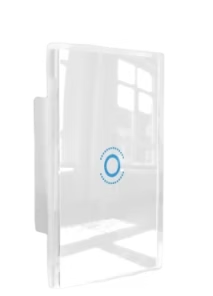
Single Button Control Switch
Suitable for single lights or space lighting, simple, efficient, and intuitive to operate. It is an ideal choice for corridors, storage rooms, or small independent spaces.
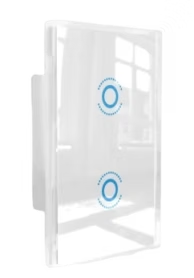
Dual Button Control Switch
Can control two sets of lights separately, such as main lights and ambient lights, providing more lighting layers. Commonly used in living rooms, bedrooms, or studies to achieve flexible lighting control.
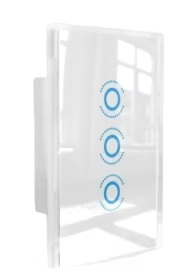
Triple Button Control Switch
Provides three independent control options, easily managing multi-zone lighting or integrating with devices like fans to achieve comprehensive smart control. Suitable for open-plan spaces or multi-functional areas.
Intuitive Touch and Smart Indication
The WS-AI-LCP smart touch switch features advanced touch technology, providing a fluid lighting control experience. Its full-color indicator light design allows you to instantly identify the switch status, making operation more intuitive and convenient.
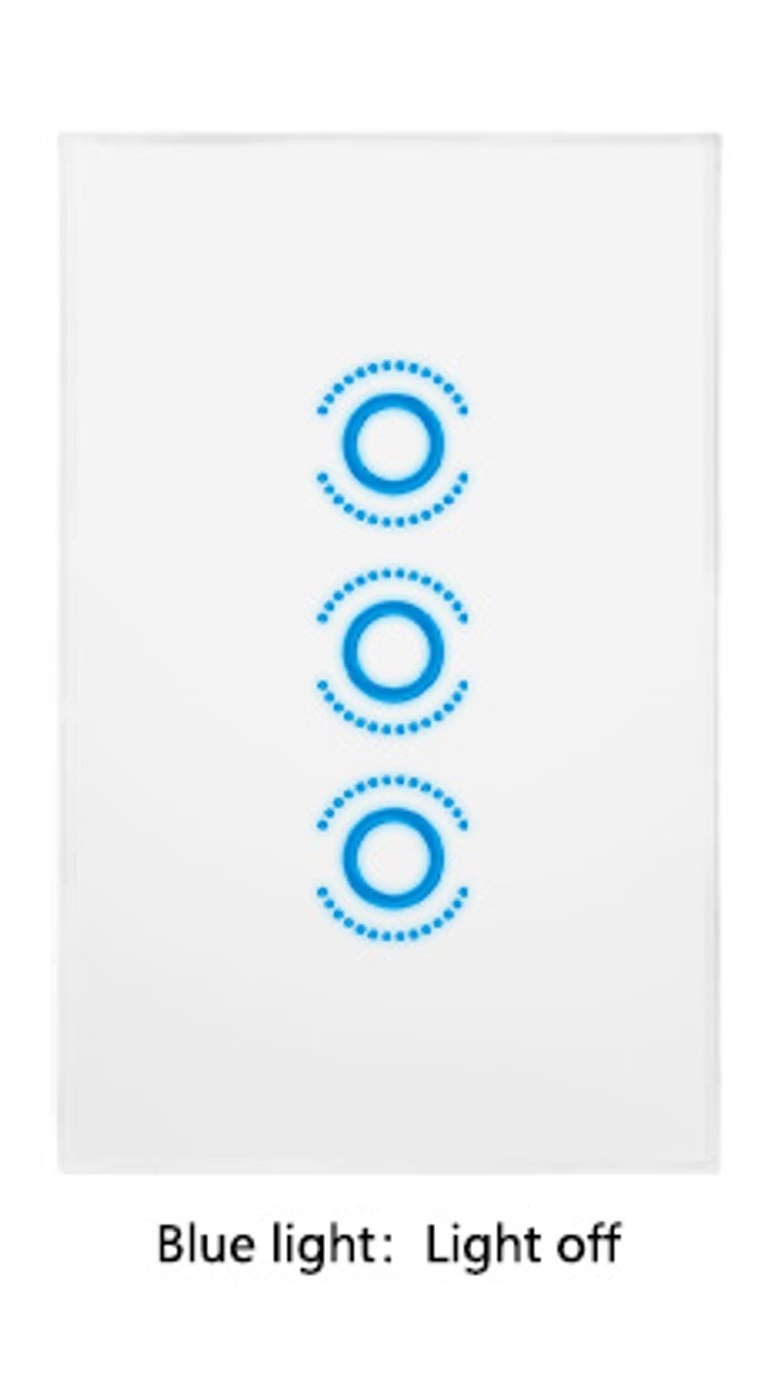
Blue Light Status: Off
When the switch is off, a soft blue indicator light illuminates, providing guidance at night without disturbing sleep.

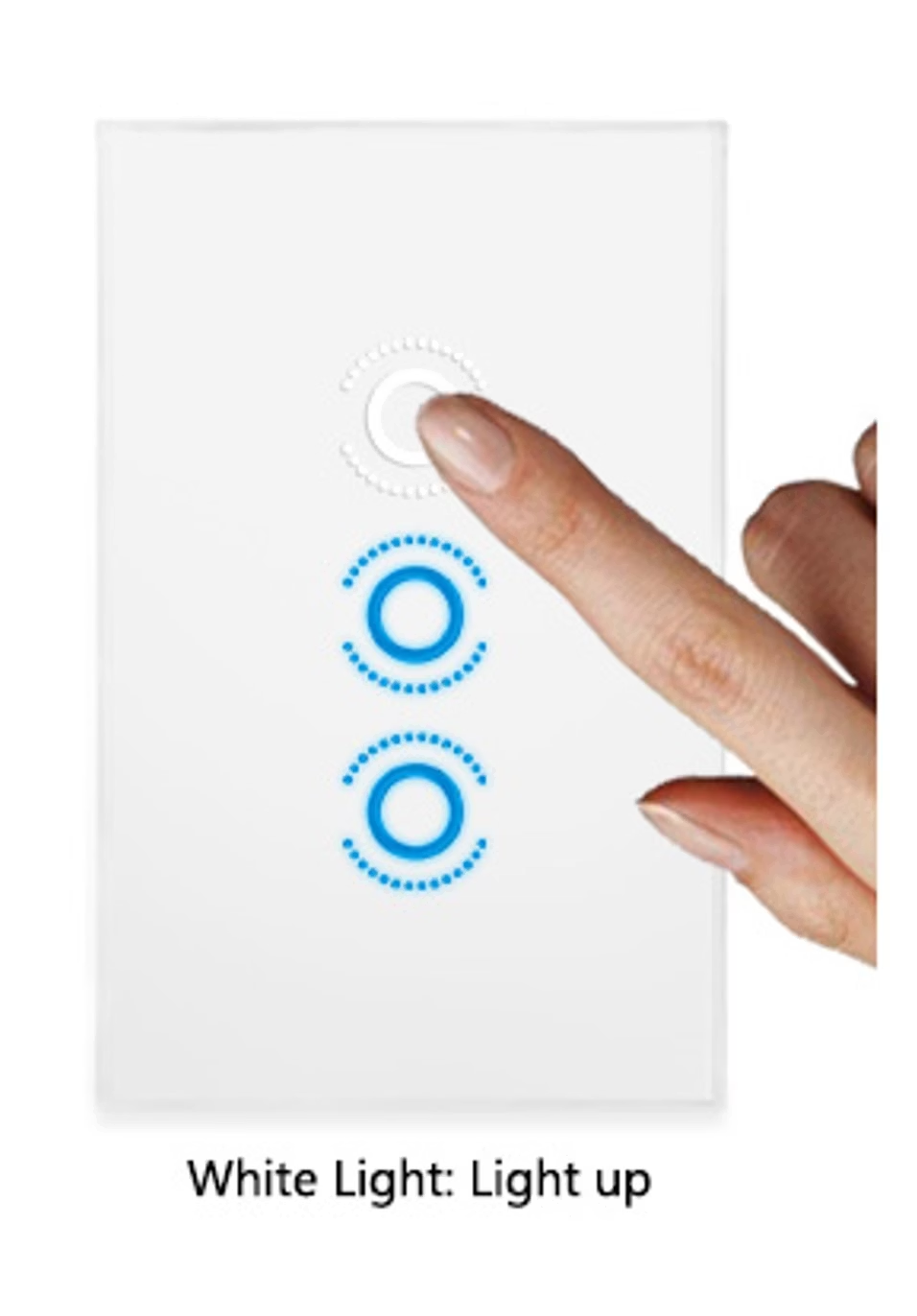
White Light Status: On
When the light is on, a clear white indicator light illuminates, allowing you to instantly confirm the lighting status, making operation clear at a glance.
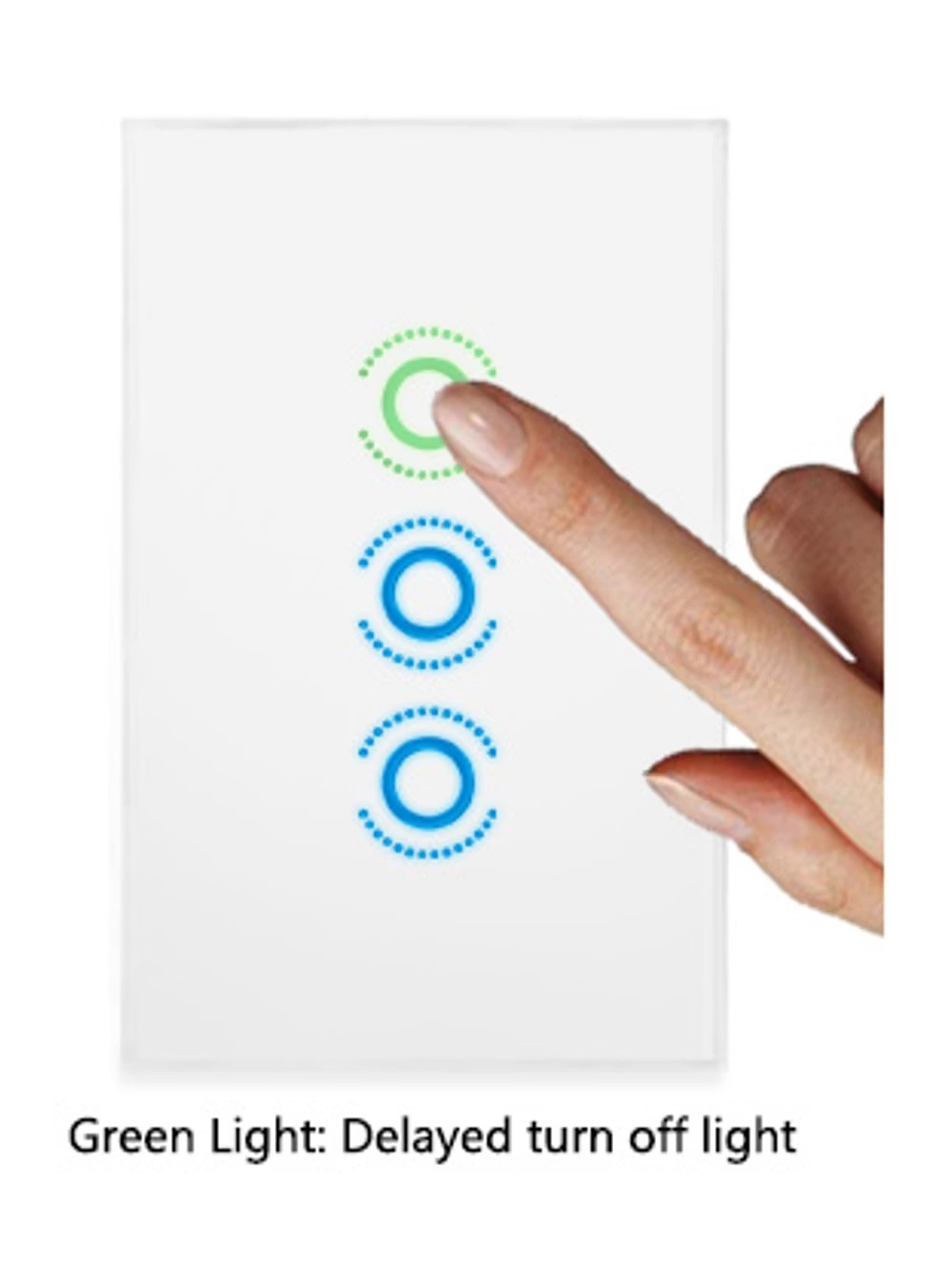
Green Light Status: Delay
When the delayed turn-off function is activated, a green indicator light flashes, reminding you that the light will automatically turn off soon, balancing convenience with energy saving.
Professional Installation | Rapid Upgrade
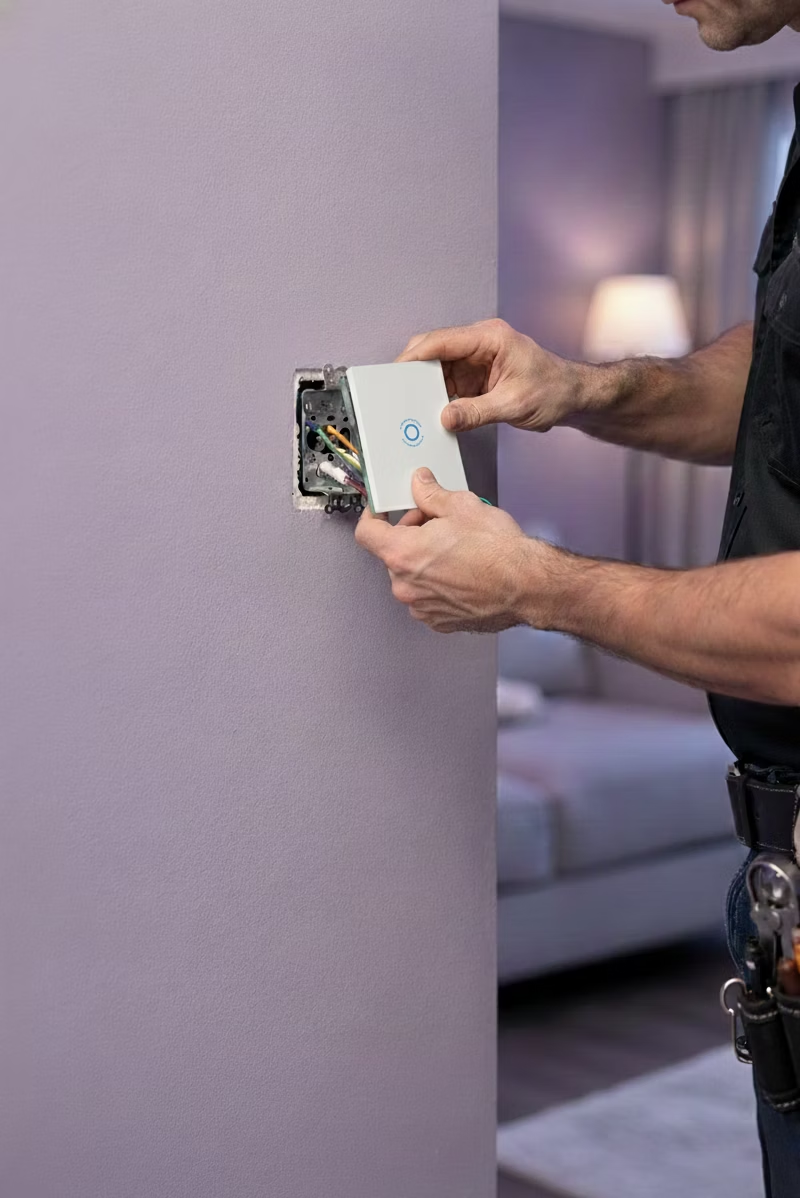
Design Philosophy for Simplified Construction Process
The WS-AI-LCP adopts standard in-wall backbox specifications, fully compatible with common 86mm × 86mm switch backboxes in Taiwan. The single live wire connection design significantly simplifies installation steps, allowing electrical contractors to quickly get started without additional training.
Installation Advantages
- Compatible with existing backboxes, no need to damage walls or re-wire
- Suitable for old house renovations and quick installation in new builds
- Standardized wiring method reduces installation errors
- Comprehensive installation guide and technical support
The product has passed Taiwan's electrical safety certification, ensuring safe and reliable use. Coupled with detailed installation instructions and online technical support, the installation process is smoother and worry-free.
Residential Applications
The WS-AI-LCP smart touch switch brings a brand new lighting control experience to residential spaces, providing precise and user-friendly light management from living rooms to bedrooms, and from entrances to hallways.
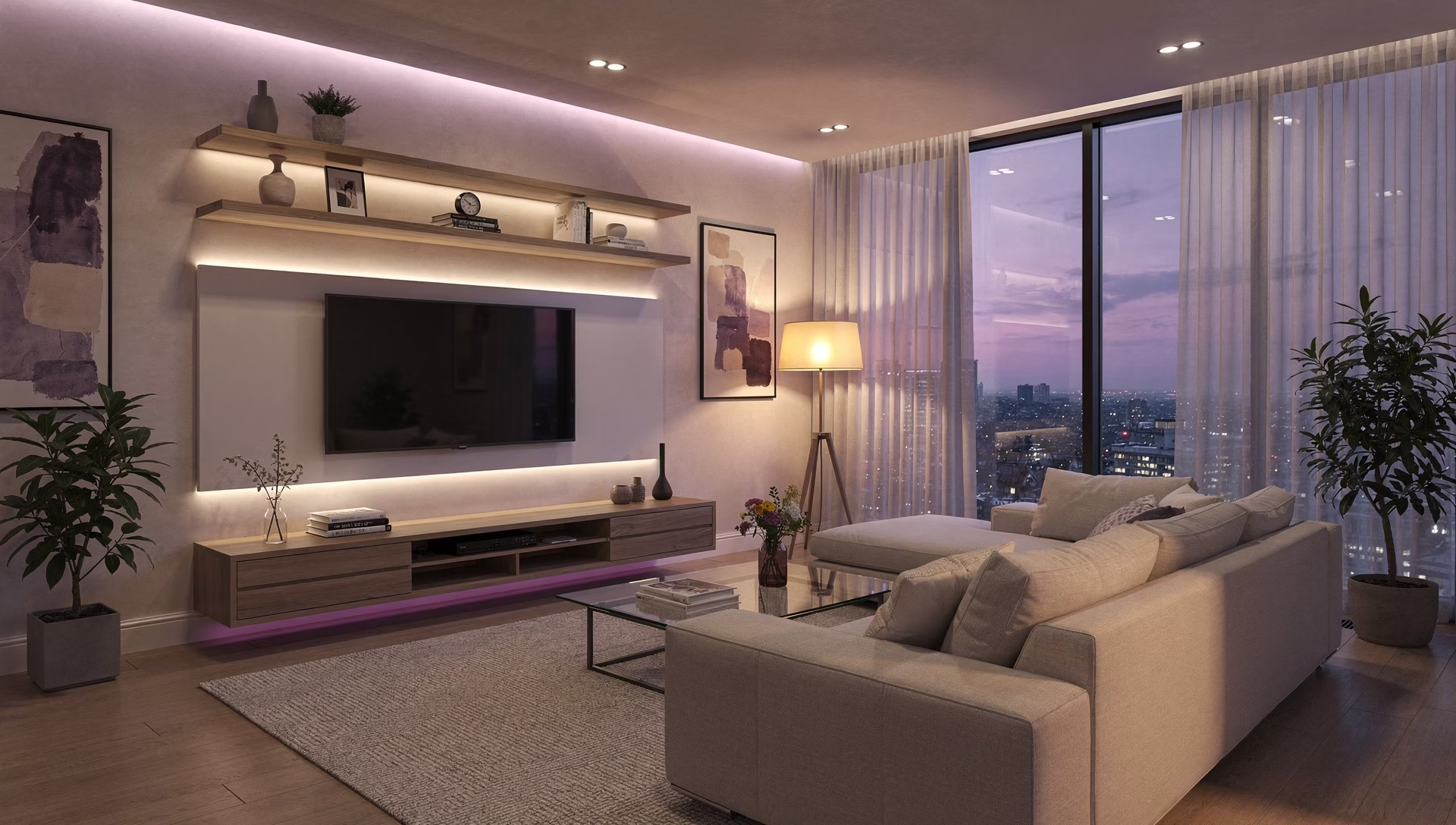
Living Room Main Lighting Control
The touch panel replaces traditional switches, enhancing the space's aesthetic. Night light mode provides gentle illumination late at night, avoiding harsh light and creating a comfortable home environment.

Bedroom Nightlight System
The smart nightlight function is particularly suitable for bedrooms. Soft indicator lights provide guidance at night, allowing users to move safely without turning on main lights.
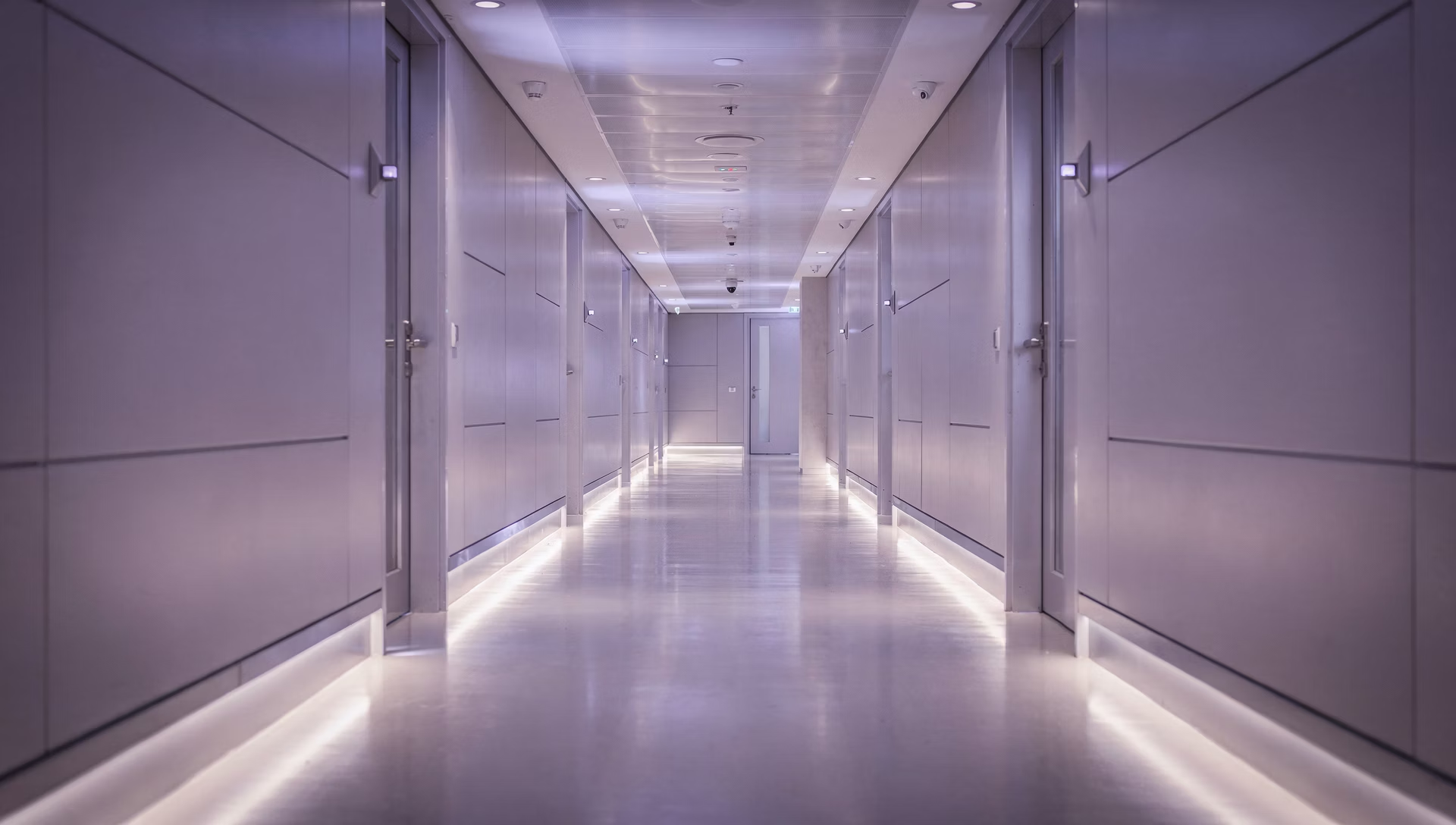
Hallway Lighting Management
The delayed-off function is especially practical in hallways and stairwells. Setting an appropriate delay ensures lights automatically turn off after users pass through, saving energy and providing convenience.
💡 Designer's Tip: When planning open spaces, integrate multiple WS-AI-LCP switches into a single panel area to create a clean, unified visual effect and enhance operational convenience.
Commercial and Public Space Applications
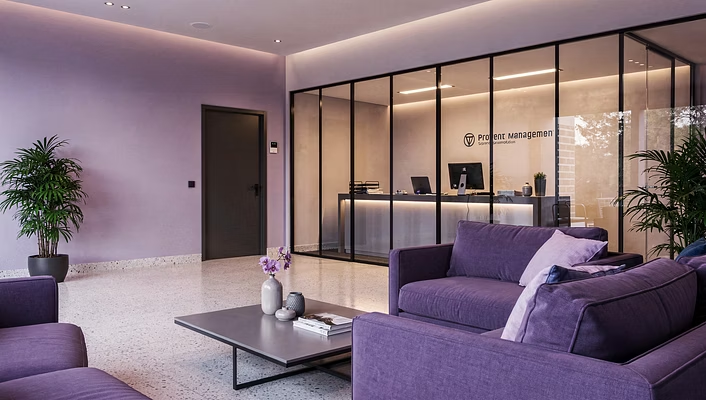
For offices, commercial spaces, and property management areas, WS-AI-LCP provides professional-grade lighting control solutions, meeting the demands of high-frequency usage and diverse management needs.


1
Office Lighting Optimization
Provides stable and reliable lighting control. The touch panel design reduces button wear, making it suitable for high-frequency use environments. The delay function prevents frequent switching, extending the lifespan of luminaires.
2
Commercial Space Ambiance Creation
The minimalist glass panel design blends into various commercial space decor styles, from boutiques to restaurants, enhancing the overall space quality and professional image.
3
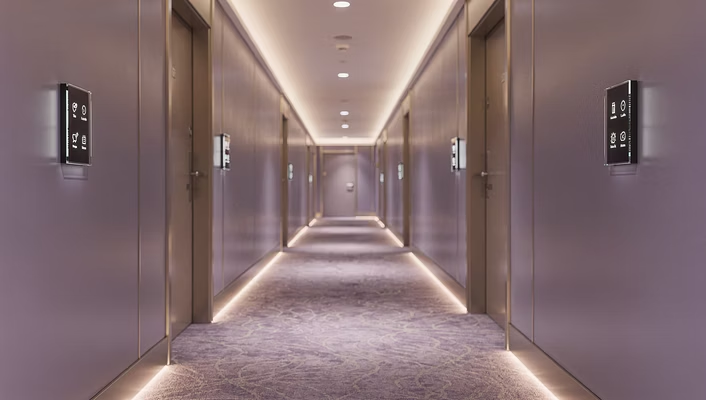
Property Public Area Management
Suitable for areas such as building corridors, underground parking lots, and public restrooms. The night light mode provides safe illumination, and the delay-off function effectively saves electricity costs.
Product Technical Specifications
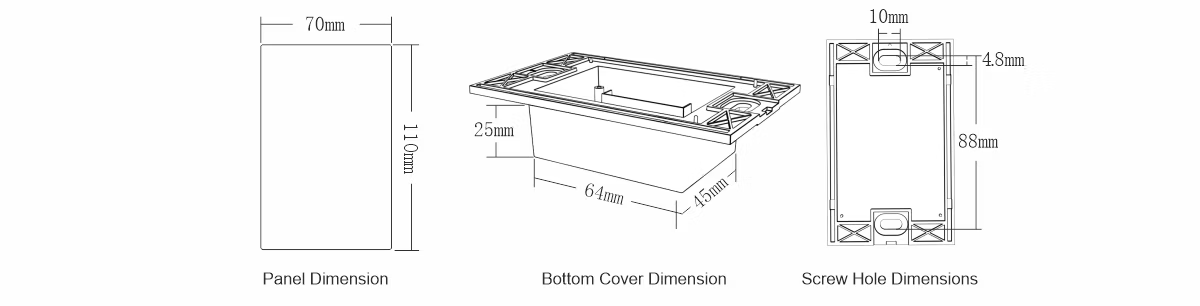
Complete Product Specifications
The following are the detailed technical specifications for the WS-AI-LCP smart lighting control panel:
Product Model | WS-AI-LCP Series | |
Installation Method | Standard wall box installation | |
Operation Method | Capacitive touch | |
Panel Material | Tempered glass panel | |
Rated Voltage | AC 100-240V, 50/60Hz |
Load Capacity | Max 800W / per circuit | |
Operating Temperature | -10°C to 50°C | |
Protection Rating | IP20 (Indoor use) | |
Applicable Areas | Offices, commercial spaces, public property areas | |
Warranty Period | 2 Years | |
Product Certifications | CNS, CE, RoHS |
Core Technology Features
Utilizes advanced capacitive touch technology, offering high sensitivity and strong durability. The tempered glass panel is specially treated to be scratch-resistant, wear-resistant, and easy to clean and maintain.
Energy-Saving and Eco-Friendly Design
Standby power consumption is less than 0.5W, meeting energy-saving standards. Delayed shutdown and intelligent sensing functions effectively reduce unnecessary energy waste.
Maintenance and Technical Support
Daily Maintenance Guide
The WS-AI-LCP smart touch switch is designed for simplicity, making daily maintenance easy and convenient to ensure long-term stable operation.
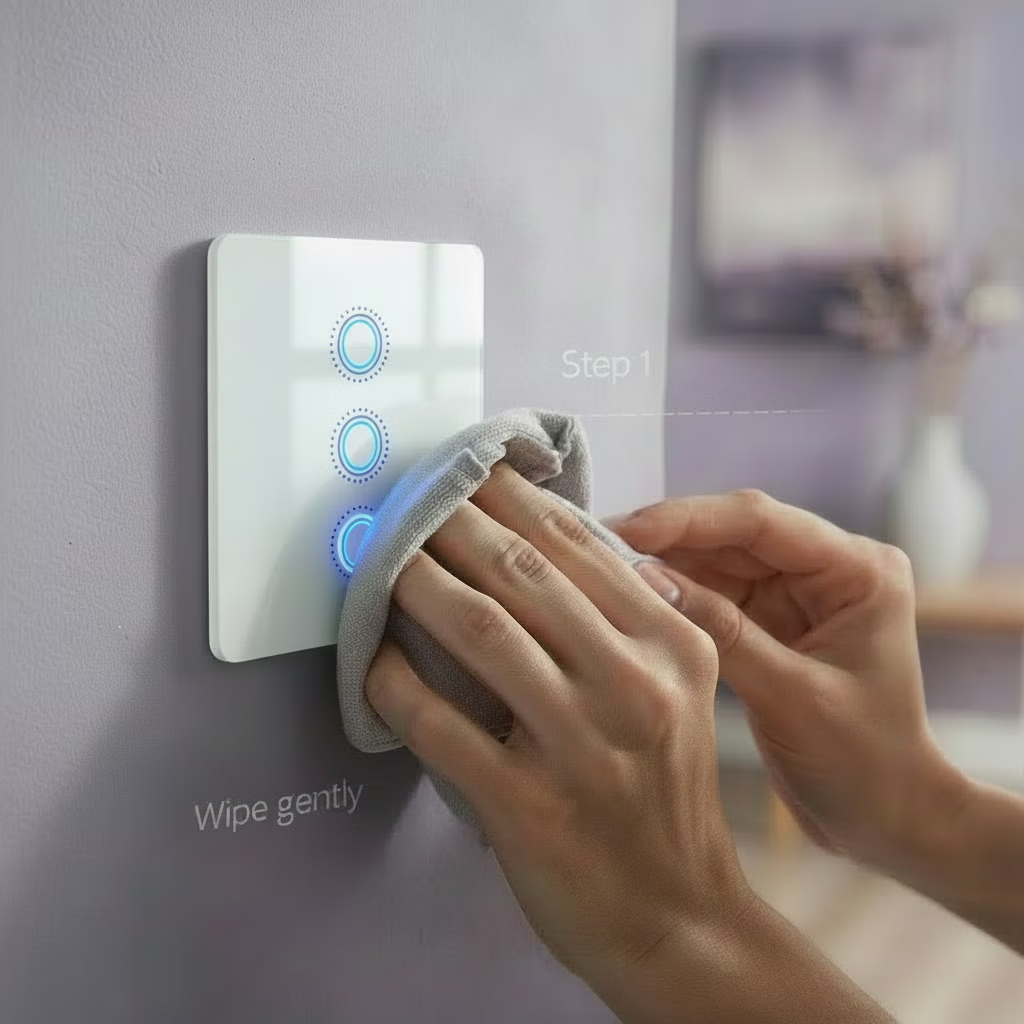
Cleaning and Care
- Gently wipe the glass panel with a soft dry cloth or slightly damp cloth
- Avoid using acidic, alkaline, or abrasive cleaners
- Regularly check if the panel fixing screws are loose
- Keep the area around the switch dry and well-ventilated
Installation Precautions
- Confirm power is off before proceeding with installation
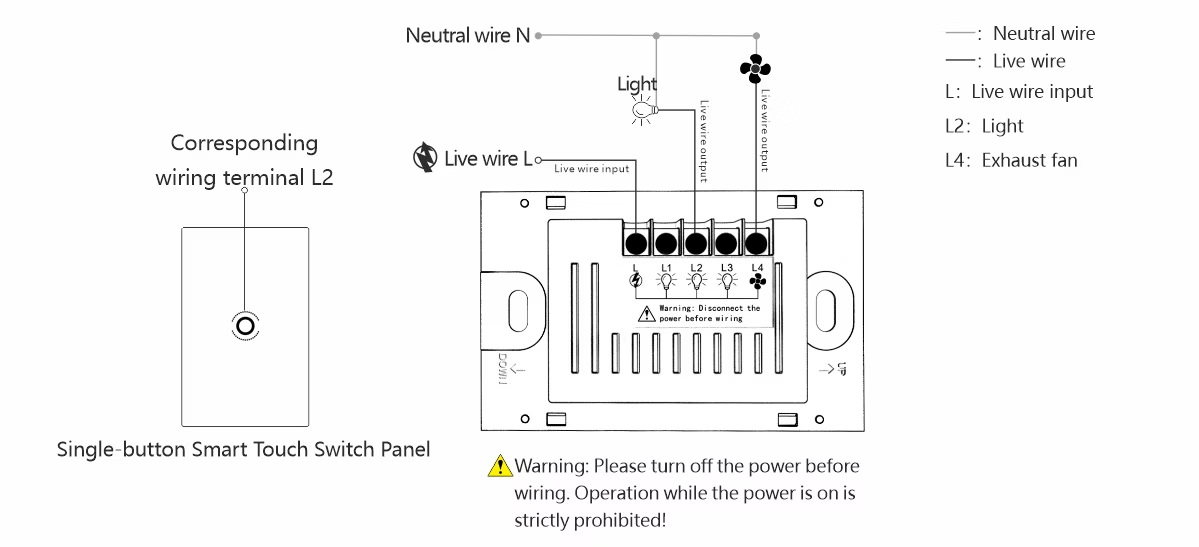
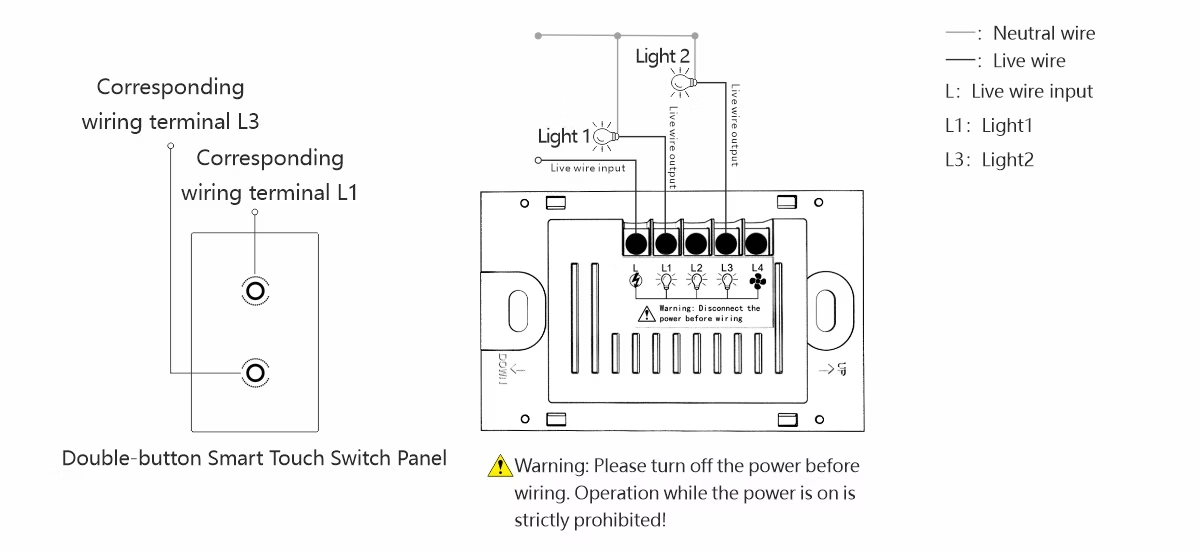
- Connect live and load wires correctly according to the wiring diagram
- Ensure the back box is securely fixed to prevent shaking
- Test all functions after installation is complete to ensure proper operation
Frequently Asked Questions
Touchscreen Unresponsive
Check if the power supply is normal, confirm wiring is secure, and try power cycling for 30 seconds before restarting.
Night Light Mode Anomaly
Ensure the ambient light sensor area is not obstructed. You can adjust sensitivity by long-pressing the panel to enter setting mode.
Delay Function Setting
Refer to the user manual to enter the delay setting mode, where you can adjust the delay time from 30 seconds to 5 minutes.
Installation Instructions
Single Button Switch
Double Button Switch
Triple Button Switch
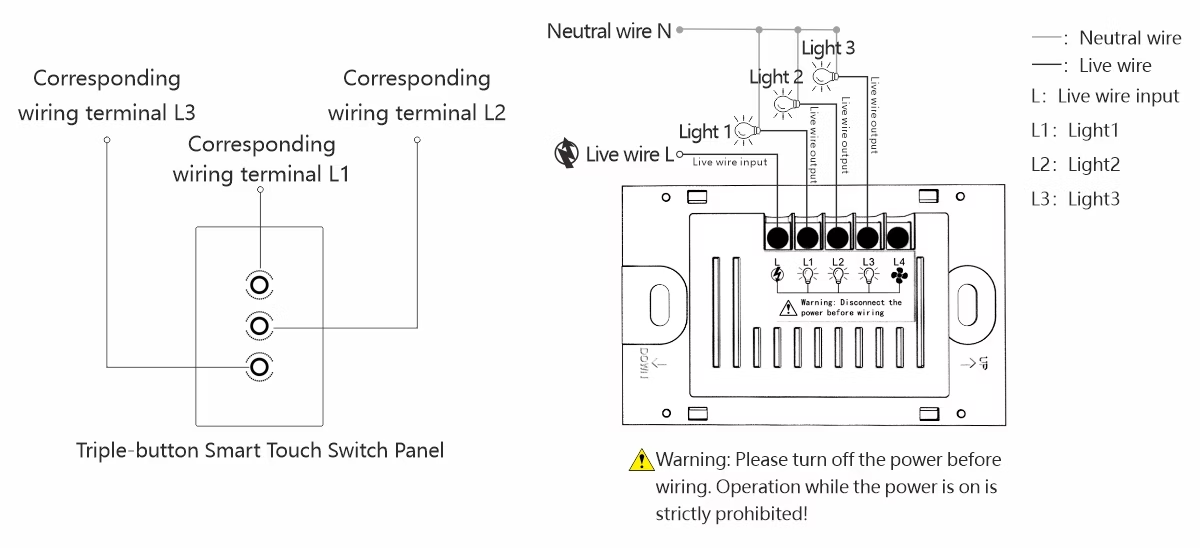
Installation Method
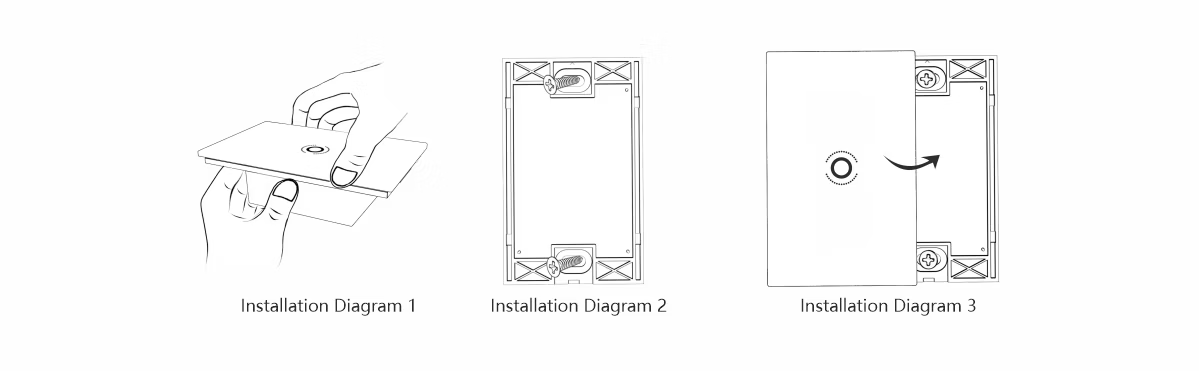
Step One: Flip the top cover upwards (Installation Diagram 1)
Step Two: Wiring (Please refer to the wiring method in the diagram above), fix the bottom cover to the back box with screws (Installation Diagram 2)
Step Three: Snap the touch panel into the bottom cover to complete the installation (Installation Diagram 3)